Google Photos
The top issue for Google Photos never reached the app as a question. People typed some version of "where are my photos?" into Google Search and landed on a single support article, Can't find your photos? The work was to design the answer into the product, the emails, and the support people actually reach for, not just a help article.
Google Photos is Google's photo backup and search app, home to billions of people's photos and videos. This is one of two case studies from Google Brand Studio, Google's internal brand experience team. The other is About.google.
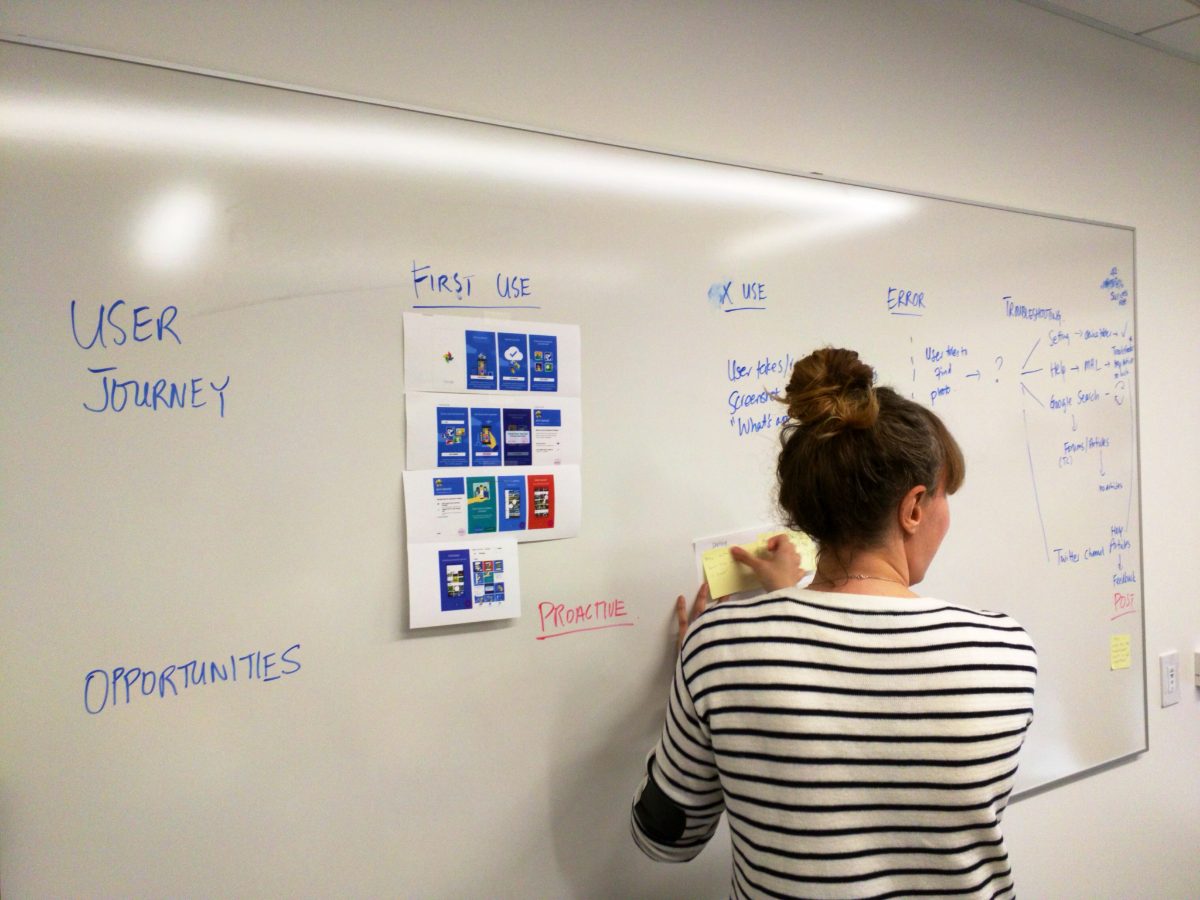
"Where are my photos?" didn't belong to one team, so we didn't solve it like it did. Product, marketing, and support brainstormed together, working across every channel a worried user might touch: the app, the welcome email, search, and the @googlephotos help feed.
At a company like Google, part of why this is hard is that the teams are incentivized differently. Product is rewarded for shipping new features. Support is measured on reducing cases and cost. Marketing and brand work to enrich the brand and guard against the worst experiences, which tend to surface in support. Getting them to solve one user problem together meant working across those incentives, not around them.
The real shift was bringing support into the design process, rather than treating it as the place complaints land.
Support usually brought their work to the Photos product team as problems and cases. We worked alongside them to reframe those into solution-based proposals, so their frontline knowledge shaped the product instead of only flagging its gaps.
- Onboarding and the welcome email
- Effortless, per-source backup
- Search as the way to find photos
- Proactive fixes for wrong dates
- The in-app help library
Google Brand Studio is Google's internal brand experience team, working across the whole company. At the time it ran four brand initiatives; Google Photos grew out of Support, focused on helping people get more from the products they already used.


One question, five root causes
"Where are my photos" was rarely about lost photos. Working across product and support, we traced it to five concrete sub-problems, and each one became a fix in the experience that follows.
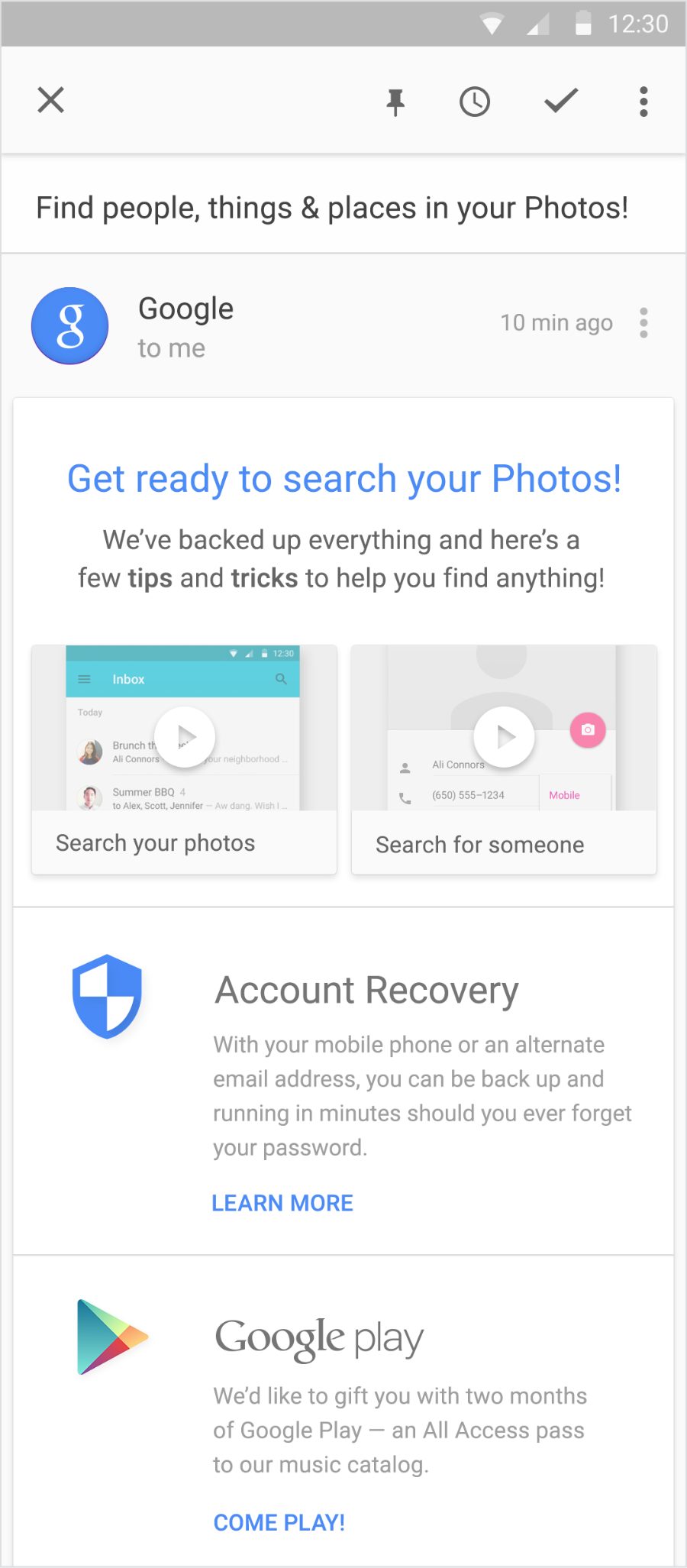
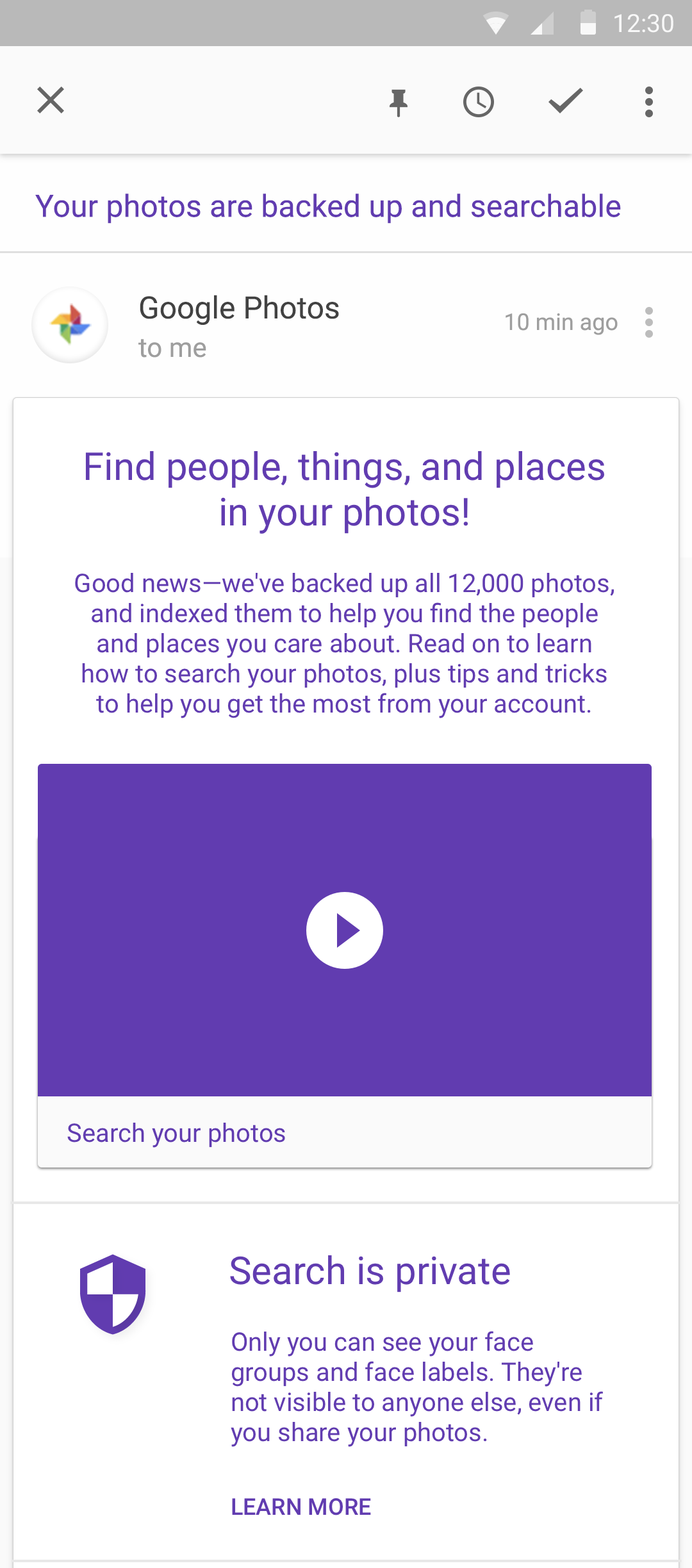
Answer the question before it's asked
Most Google products had a welcome email. Photos didn't, so we designed one. It had real work to do: when you join, backup and sync need time to upload, process, and index everything before you can search it, and search was the new feature. The email set that expectation, confirmed your photos were safe, and taught the one habit that answers "where are my photos" for good: search.
So there's always something to find
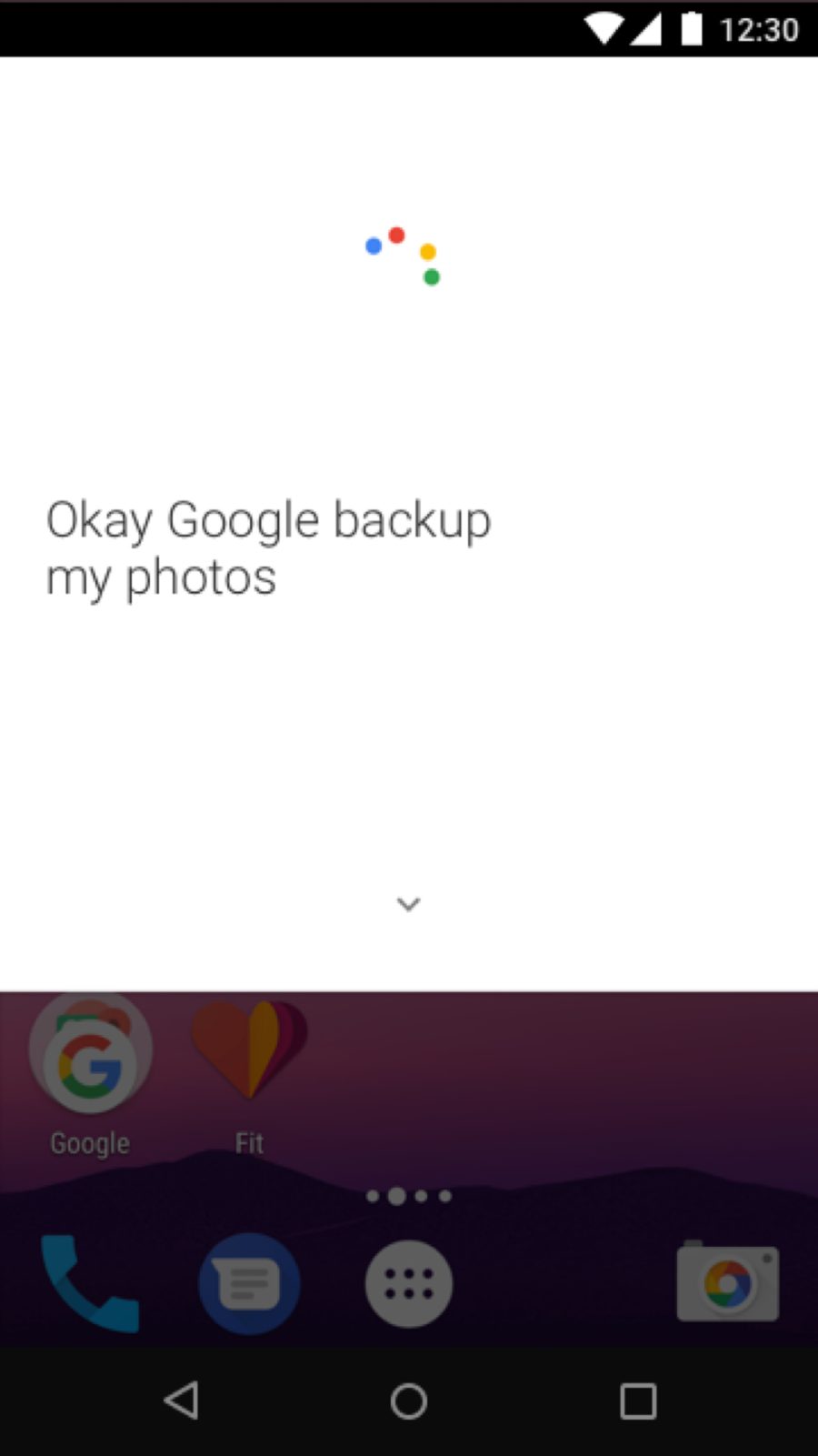
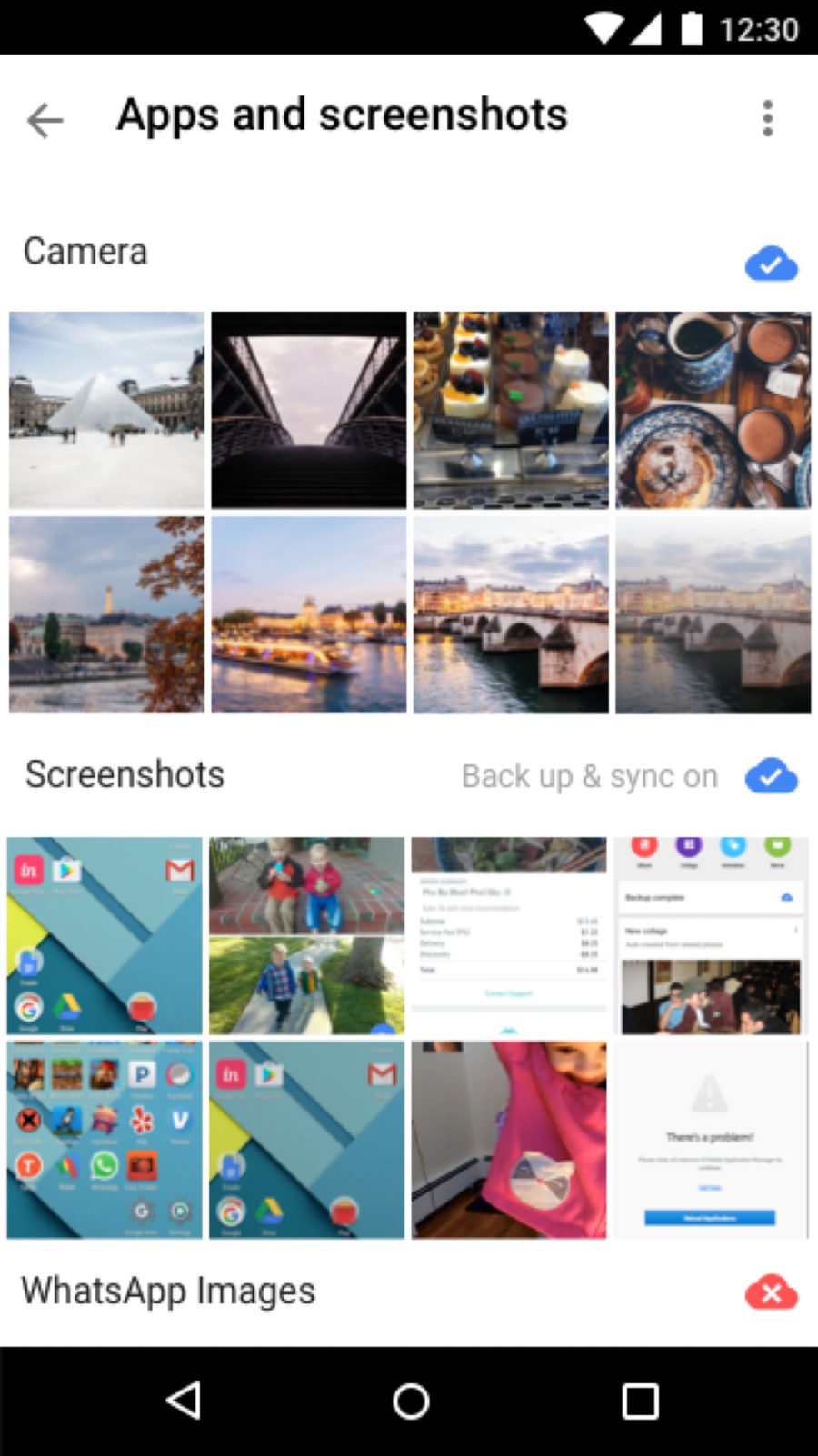
You can't find what was never saved. Backup had to feel effortless and trustworthy, so we showed people exactly which sources were syncing, camera, screenshots, and other apps, and made starting as easy as saying it out loud. It was also about understanding why a photo is in your gallery at all: the WhatsApp folder, for one, stayed off by default, since those are often other people’s images that Android auto-downloads to your phone. The goal was confidence: every photo safe, without having to think about it.
Here are your photos
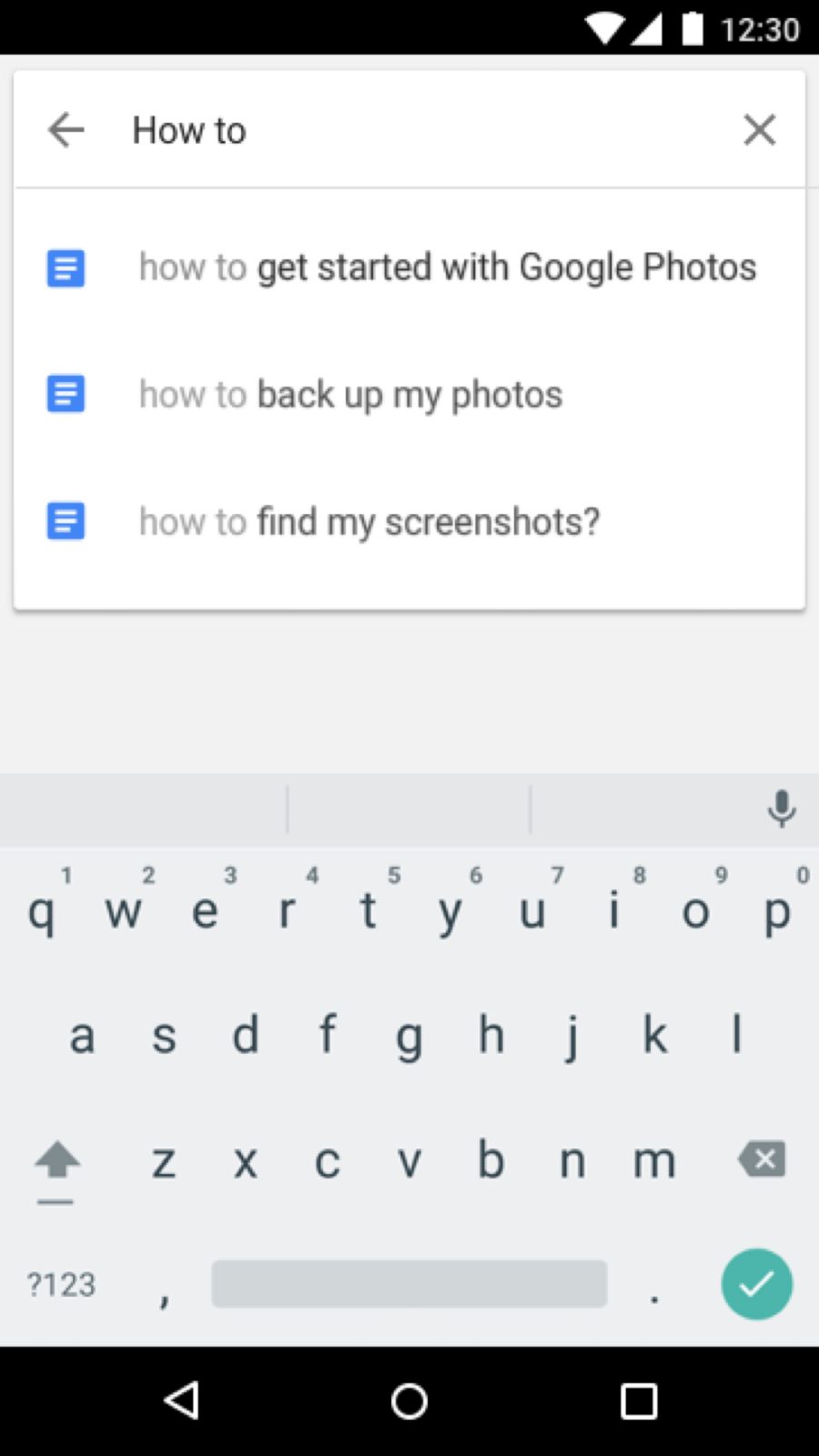
This is where "where are my photos" finally gets answered. When a photo wasn’t showing up in search, this is where people found it: how-to prompts taught the search habit the moment someone started typing, and the mobile help library was one tap away.
Adjusting dates and order, made simple
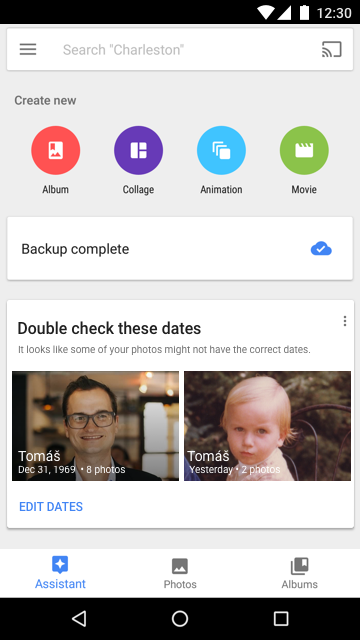
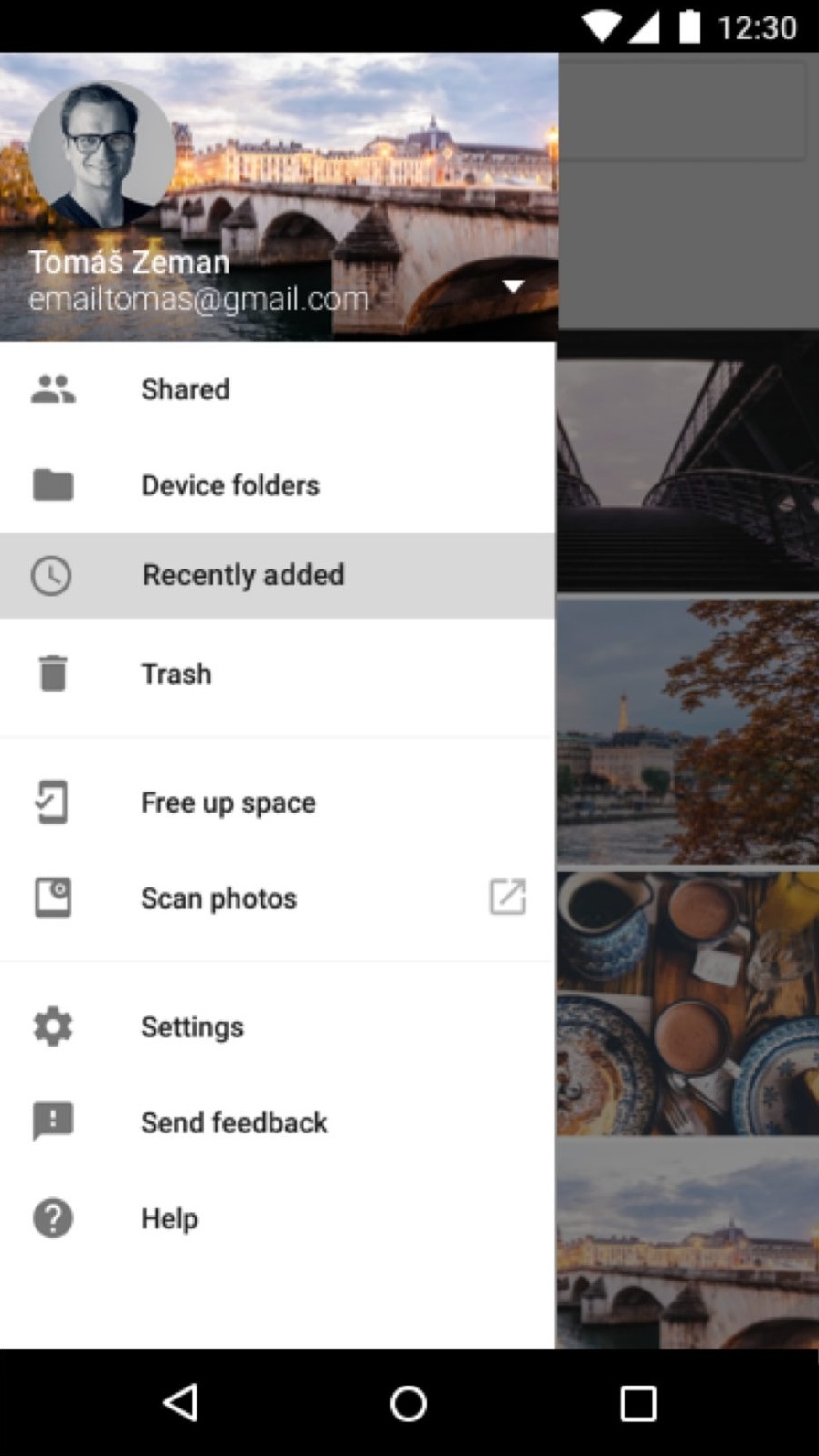
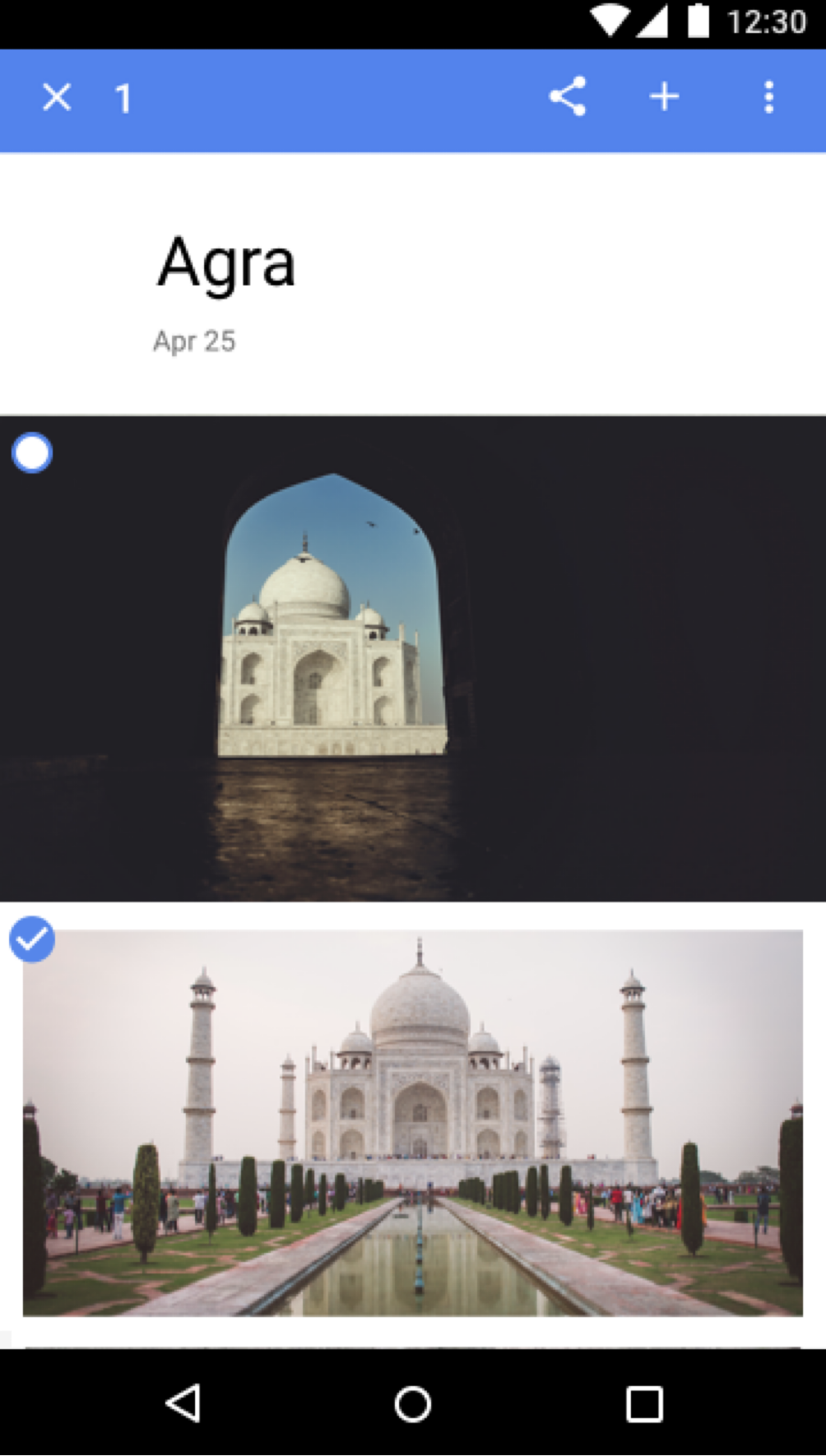
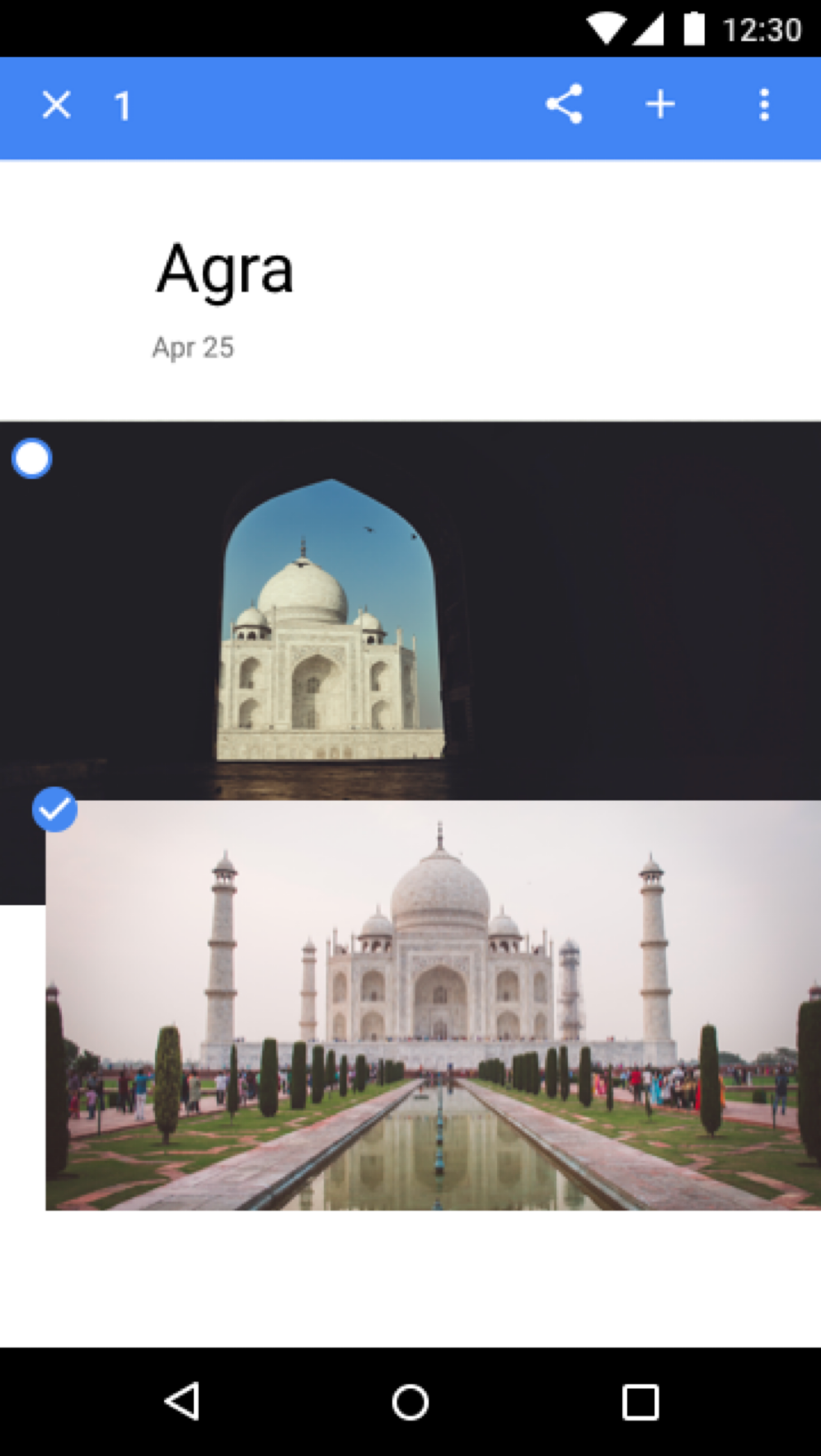
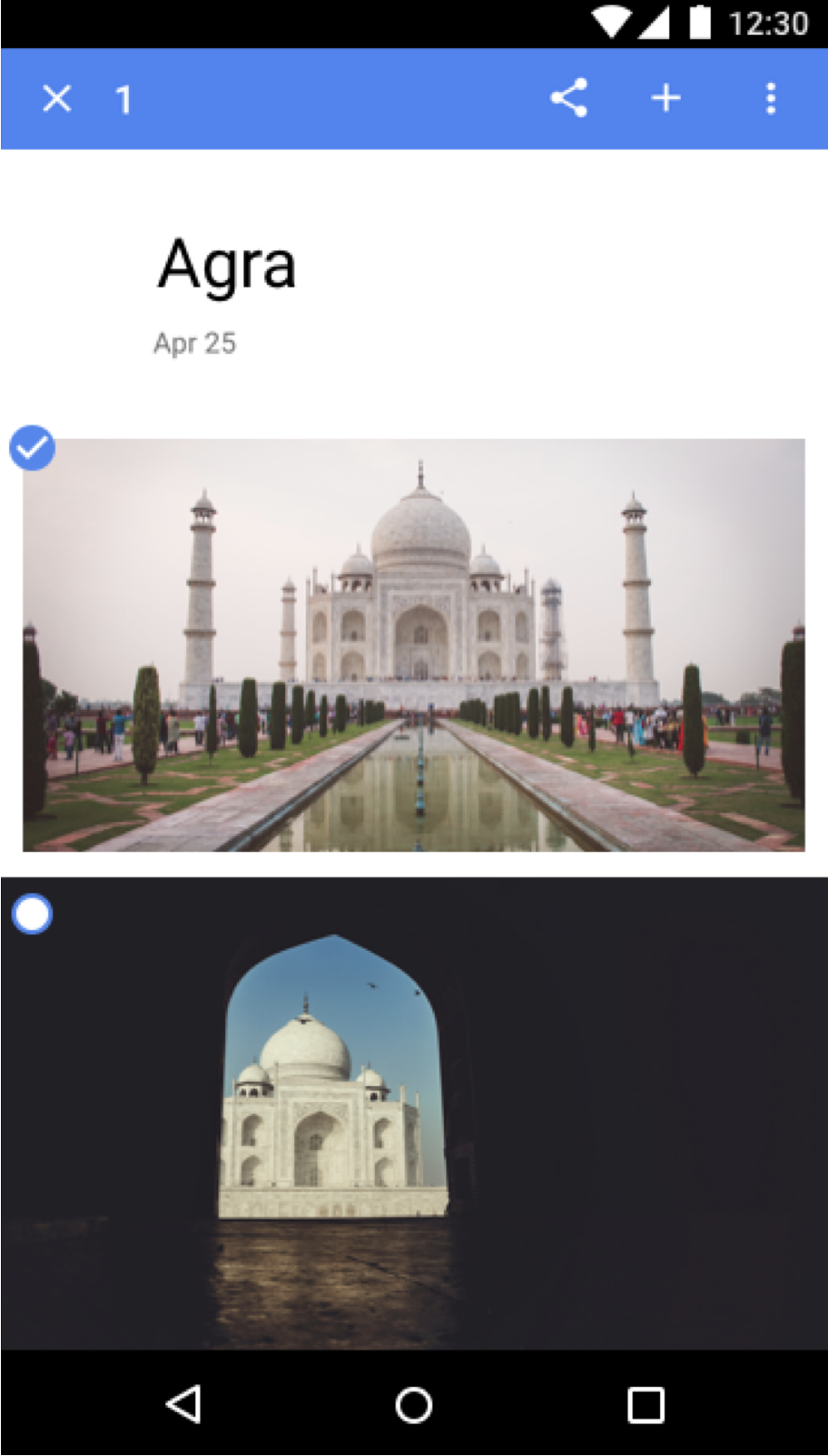
When a photo showed up with the wrong date or out of sequence, finding and fixing it had to be effortless. Photos imported from another device often carry the wrong timestamp, so they'd otherwise be buried deep in the timeline; a Recently added filter surfaced them by when they arrived. The Assistant flagged likely date problems, and instead of futzing with timestamps, people could drag and drop photos into the right order and adjust dates in a couple of taps.
Support in the room, not at the end
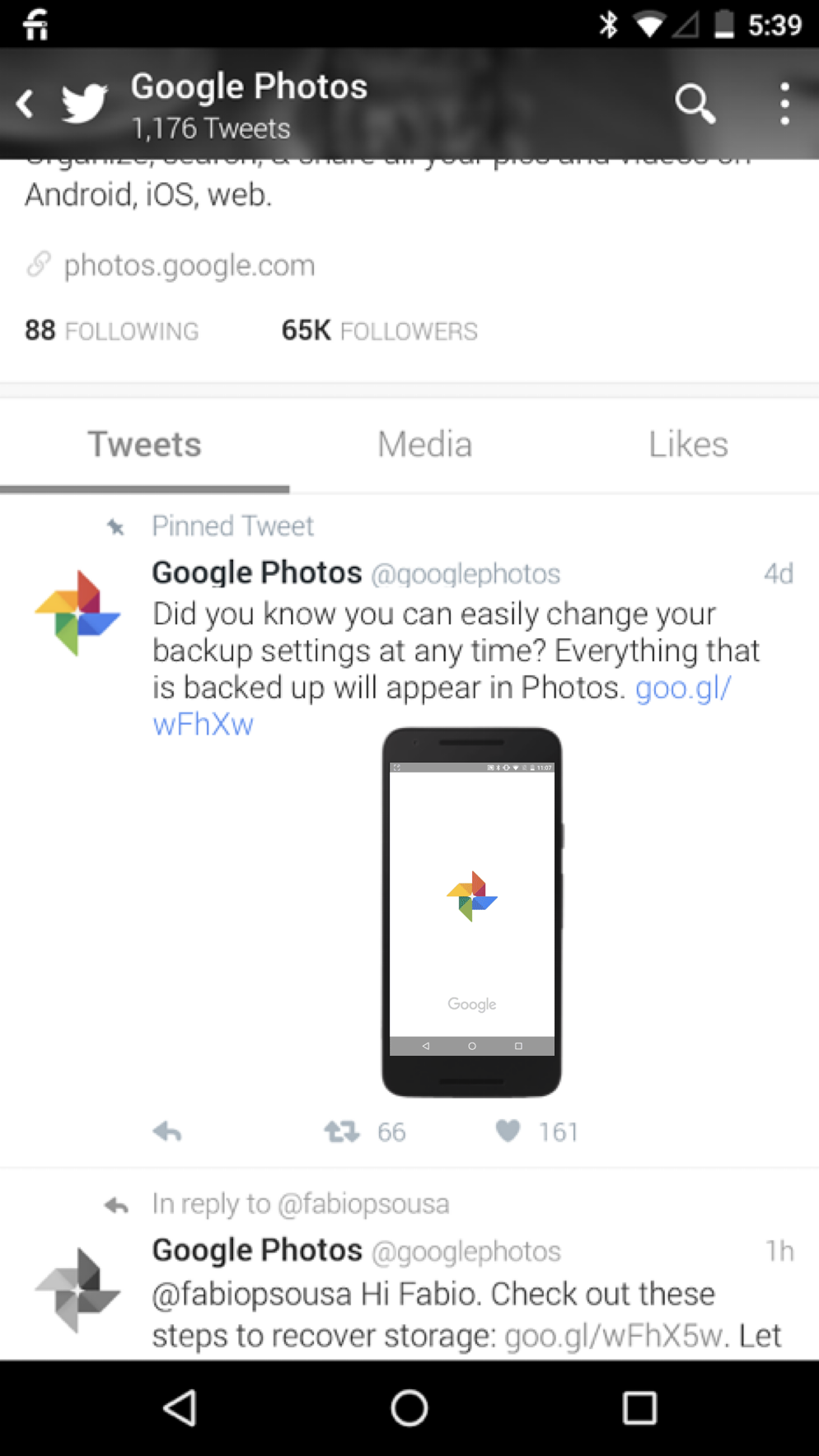
Because support helped design the experience, we could meet people where they already were instead of waiting for them to find a help center: a friendly @googlephotos channel answering real questions in public, tips that traveled on social, and education baked into the product itself.
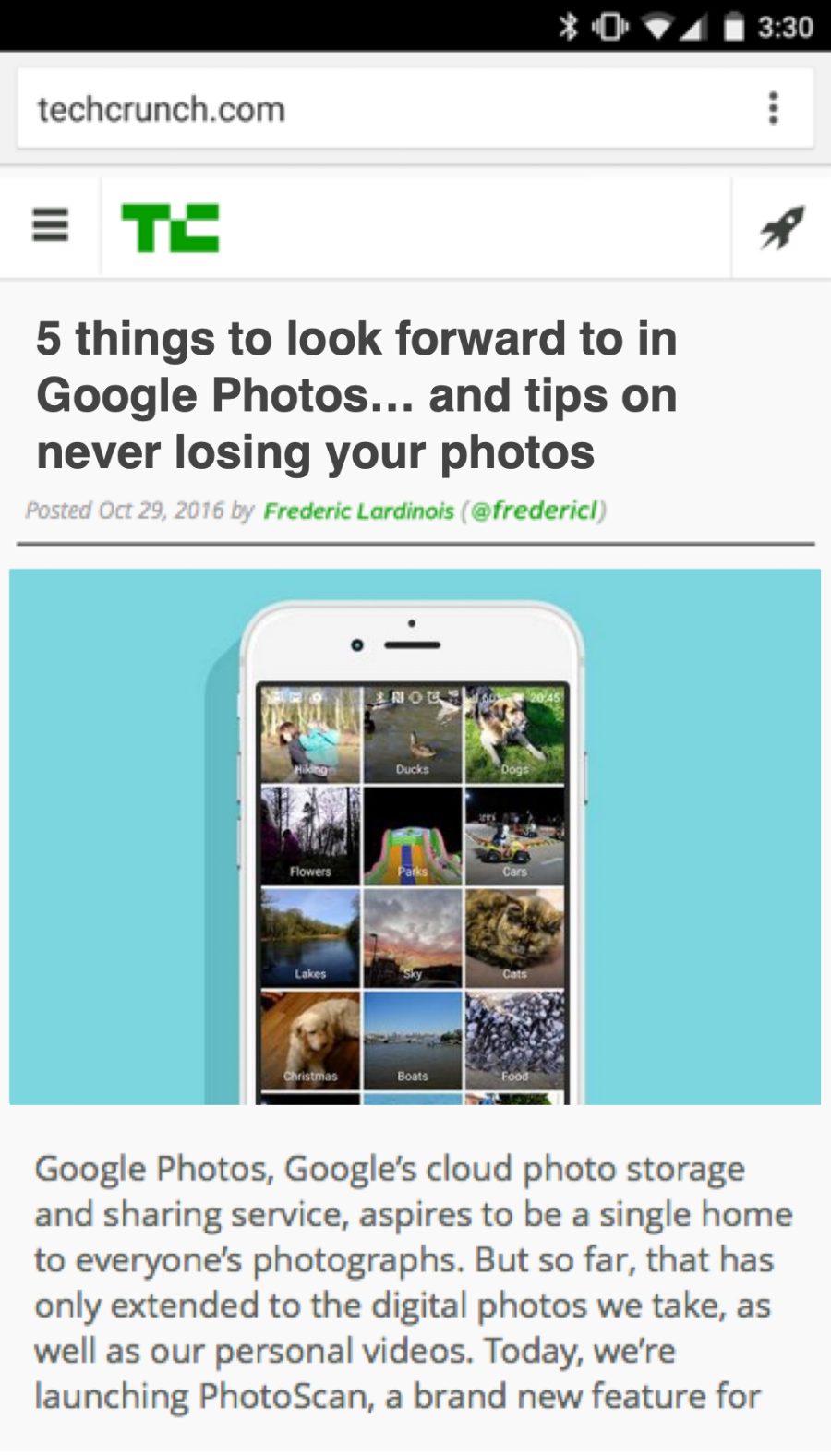
We even mocked up the press coverage we wanted to earn, so the whole team had one clear picture of success to aim for.
The answer held up
I joined the team about a year after launch. As of 2025, Google Photos serves more than 1.5 billion users. A decade later, "where are my photos" is a question most people never think to ask. Trust the backup, then just search became the default way an entire generation relates to their memories. Designing the support answer into the product, instead of bolting it on afterward, is a big part of why it stuck.